


ESHOP FAQ
General
Why buy from the Canon eShop?
You can be assured of genuine Canon products and services. Canon Singapore gives you the convenience of free island-wide deliveries on orders above $200.
Is Canon eShop secure?
Canon uses Secure Sockets Layer (SSL) technology to ensure you the safest, most secure eShopping experience by encrypting your passwords and credit card numbers during online transactions. All the forms on our site are secured so that your personal data remains protected.
Which countries does the Canon eShop serve?
Canon eShop fulfils orders in Singapore only.
May I collect my Canon eShop orders at the retail stores?
This service is not available at this time.
Promotions
Vouchers
To redeem your eVouchers, please write to redemption@canon.com.sg with the following:
- Canon eShop order confirmation number (ESxxxxxxxx)
- Product information (model purchase and product serial number)
- Proof of online warranty registration
Please allow five working days to process your submission. Please ensure to include all the necessary documents and information.
Order Processing
What are your operation hours?
We operate from Mondays – Fridays (8.30am – 5.30pm) except on public holidays.
Do I have to register and create an account with Canon eShop?
Having an account is not mandatory, however when you register as a member, you can use the single sign-on password on all Canon’s online portals including Canon warranty registration, EOS World, Canon Imaging Academy, Your Canon + You and Canon Lens Try and Buy.
Can I cancel my order after it is successfully placed?
You cannot cancel the order, once your order is successfully placed.
Can I modify my order after it is successfully placed?
If you have submitted an order containing errors, please contact us immediately at Hotline No. 6799-8888 or contact@canon.com.sg. We will try our best to accommodate your request to modify your order (subject to an administrative charges of $20 - $80), but we do not guarantee that we will be able to modify your order in accordance with your instructions. In particular, an order may not be modified once it has been dispatched.
Payment
What forms of payment does the Canon eShop accept?
Canon eShop accepts all credit cards from Visa and Master Card. Simply complete the credit card information on our secure site.
Will I receive a physical invoice with my order?
You will receive a delivery order, invoices are sent via email and we do not attach invoices to the package on delivery.
How do I know that my order is successful?
An auto-generated email with your order number and purchase summary will be sent to you upon confirmation of your order. You can check the status via your account with contact@canon.com.sg or contact our customer service agents at 6799 8888 (Mondays to Fridays 9.00 – 6.00pm excluding public holidays).
Deliveries
How much will I be charged for delivery?
Canon offers free deliveries for orders above $200 and consumables above $80. Consumables include ink, toner and paper. Enjoy free delivery with any purchase of ink, toner and paper above $80.
For orders below $200, a standard charge of $15 will be levied per address for deliveries up to 25kg.
Deliveries to the following locations are subject to a surcharge of $20: Changi Airfreight Centre, Airport Logistics Park of Singapore, Changi Transit Lounges, Jurong Port, Jurong Island, PSA compound, Mindef premises, Sentosa and Neo Tiew area.
How long will my delivery take?
Your order will be delivered within 3 - 5 working days.
I ordered multiple items online, why didn’t I receive them all?
If your order includes non Canon products, you might receive your order in separate parcels. Should there be a rare occasion where we are unable to fulfil an item in your order, you will receive an email, informing you of the shortage. In this case, we will make a refund of the value of the unfulfilled items via your credit card. Do reach out to us at contact@canon.com.sg or telephone at: 6799-8888 should you not receive your full order in 5 working days.
How do I choose my delivery date/time?
The customer service agent of our delivery team, GXO, shall be contacting you to arrange a delivery time from Mondays to Fridays (excluding public holidays) at one of the three time slots:
| 9am – 1pm |
| 2pm – 6pm |
| 7pm – 10.30 |
Deliveries on Saturdays are available from 9am to 1pm.
| Order Time | Earliest Available Delivery Timeslot | Example |
| Monday – Friday Before 8am |
3 - 5 days | For orders placed on Monday, after 8am, delivery will be made on Thursday. |
| Saturday, Sunday & Public Holiday | 3 - 5 days starting from following working day | For orders placed on Saturday, earliest available delivery will be the following Wednesday. |
Do you process orders during weekends and Public Holidays?
We strive to get you the orders soonest possible! We seek your understanding that our warehouse and our courier partner are closed on weekends and Public Holidays. Items will be processed on the next working day.
When do I track my order?
You can track the product the moment it leaves the warehouse after 3pm with your account and order number on contact@canon.com.sg. The delivery status is follows:
| Order confirmed | Processing order |
| Picked up | Order left the warehouse |
| Delivering | Order is on the road |
| Delivered | Successfully delivered |
| Undelivered | Unsuccessful delivery |
How do I postpone delivery?
Should you need to make a change to your delivery time, please call our customer service hotline at 6799-8888. We will accommodate your request if the product is still in the warehouse.
What if I’m not home to receive the product at the pre-arranged delivery time?
Our delivery team will provide you with a failed delivery notice with a contact number for your package to be redelivered, in which case, a $15 re-delivery fee (payable in cash) will be levied.
What should I do if I receive the wrong product?
If you received an incorrect product, we recommend you contact our customer service hotline at 6799-8888 with the details of your order
On-site Installation Charges
What are the Canon products that carry optional installation fees?
This optional on-site service is applicable within Singapore main land only. Applies to Inkjet & Laser Printers / All-In-Ones and Facsimiles products.
- On-site installation per Device is $163.50 per hour (with up to three printer drivers installation)
- Please call Canon Customer Service for an appointment at 6799-8888
- Payment in cash or cheque (for companies) payable to the technician after installation
You can refer to our corporate site for the latest fees and charges:
Privilege Purchase Scheme
What is Privilege Purchase Scheme (PP) and how do I qualify?
Canon offers a privileged purchase (PP) scheme to our existing customer under the following conditions:
- your current Canon product is beyond economical repair or
- Canon ceases to offer the latest driver for your current Canon product to operate with the latest operating system.
- we no longer carry parts for your faulty equipment
Only a Canon engineer can verify if a product is beyond economical repair. If you qualify for a PP promo code, the Canon engineer will issue, over-the-counter, a code to redeem, at a privileged price, a new model of product in the same category via shop.canon.com.sg.
The assessment can only be carried out at the following venue:
Canon Customer Experience Hub (For Camera)
438A Alexandra Rd #06-10, Via Lobby 3 Alexandra Technopark
Singapore 119967
Monday to Friday
10:00am - 7:00pm
Saturday
10:00am - 2:30pm
Closed on Sundays and Public Holidays
Canon Authorised Printer Service Centre – Servlink Technology Resources Pte Ltd
2 Kallang Ave
#09-01 CT Hub
Singapore 339407
Monday to Friday
9:00am - 6:00pm
Saturday
9:00am - 1:00pm
Closed on Sundays and Public Holidays
Why can’t Privilege Purchase Scheme promo code be issued via phone or email?
A Canon engineer will need to ascertain the product’s condition. Upon doing so, a copy PP scheme offer will be issued on-the-spot should the item qualify with any of the conditions as stated above in point one.
How do I use the Privilege Purchase Scheme code?
- Log on to shop.sg.canon
- Sign up as Canon eShop member
- Select the product for purchase and add item to cart
- At View and Edit Card section, apply your 12-character PP promo code starting with PPXXXXXXXXXX.
- Checkout
Note: You may purchase other items in the same transaction. However, PP promo code discount will only be applicable to products in the PP scheme.
Can I apply the Canon Privilege Purchase Scheme promo code on any other retail or online stores?
No. The promo code issued is one-time-use and exclusive only on shop.sg.canon.
What items on Canon eShop are eligible for the Privilege Purchase Scheme?
All hardware such as cameras and printers (not applicable for printers under $100) are eligible for the scheme.
Can I change my mind on the product model I would like to purchase under the Scheme?
Yes, this is only offered for another product model under the same category. Most Canon eShop items are eligible for the privilege pricing scheme. Here are the exceptions:
- Printers priced below $100
- eShop online exclusives
- Bundle deals
For more info, please refer to: https://shop.sg.canon
I have received a PP promo code to buy a printer. Can I use it for a camera instead?
No. The privilege promo code that starts with suffix PPCAM is meant for discount on cameras; while PPPTR is solely for printers.
When does the Privilege Purchase Scheme promo code expire?
The promo codes expire two weeks upon issue by the Canon Engineer at Canon Customer Care.
Will I be charged $15 shipping fee if the selected item costs less than $200?
Usual shipping charges of $15 will apply when cart is below $200.
Can I exchange Privilege Purchase Scheme promo code for cash?
No. PP promo code is not exchangeable for cash.
The pop-up message shows I have entered an “invalid promo code”. What do I do?
Remember to log in as a Canon eShop member prior to checkout or check the validity of the PP promo code.
If the problem persists, kindly email us at eshop@canon.com.sg with the following:
- A screenshot of the error page
- An image of the copy of the Privilege Purchase Offer
Warranties
All Canon consumer products are backed with a warranty that covers defects in materials and workmanship. The warranty is void if the product is defaced or altered. You will get a free three-month warranty extension if you register your product online.
Non Canon products are serviced directly by the local distributor. Do keep your receipt as proof of purchase. Reach out to us at contact@canon.com.sg or telephone at: 6799-8888 for the address of the relevant service centre.
Technical Support
Product Warranty Registration
Printers
Can I print office documents from my phone to my printer wirelessly?
Yes. You can use the Airprint or Mopria plug-in feature which offers basic printing options, or the Canon Print App or Easy-PhotoPrint Editor to maximise the print capability.
How can I check what type of ink and paper my printer uses?
The ink models can be found on the packaging of your printer, or you may find the product information on our Canon website here. We recommend using normal A4 paper for printing documents, and original Canon photo paper for best results when printing photos.
Where can I find more information on the printer?
You may find more information about each printer in the product page on the Canon e-Shop at shop.sg.canon. Click on the “View Specifications” button to find out more about the highlights and specifications of each printer. Alternatively, you may also download our Printer Buying Guide app to browse our range of printers on your mobile phone.
What is the difference between a laser and inkjet printer?
Both printers are unique and serve different printing purposes. Laser printers utilise toner cartridges for printing, which are suited for fast document printing on matte or plain paper.Inkjet printers print with liquid ink using ink cartridges, have better colour gradients and results, and are suitable for photo printing and general purpose documents. Inkjet printers are usually more compact as well.
Are your printers compatible with Macintosh or Apple products?
Canon has printer models that support both Macintosh and Windows Operating Systems. Models that only sync with Windows are limited to our PIXMA G-series – PIXMA G1010, G2010, G3010, GM2070, and GM4070.
What do Auto Duplex Printing, ADF, All-in-One Printer, XL and H mean?
Auto Duplex Printing means that the paper will automatically print on both sides of the paper, while the Auto Document Feeder saves time for multiple scanning at a go. All-in-one refers to either our 3-in-1 inkjet printers (print, scan, copy) or 4-in-1 inkjet printers (print, scan, fax, copy). XL and H can be found on our ink consumables, with XL indicating a higher capacity ink cartridge, and H referring to a higher capacity toner for laser printers.
I want to buy a new printer from Canon; do you accept trade-ins?
We do not accept any trade-ins at the moment but you may check out our attractive island-wide promotions for discounts and savings on new printers. We also offer a Privilege Purchase Scheme where customers whose printers are irreparable due to high repair cost or unavailable parts may be able to buy a new printer at special prices.
I’m interested in getting a TS series printer. What is the difference between the E and TS-series?
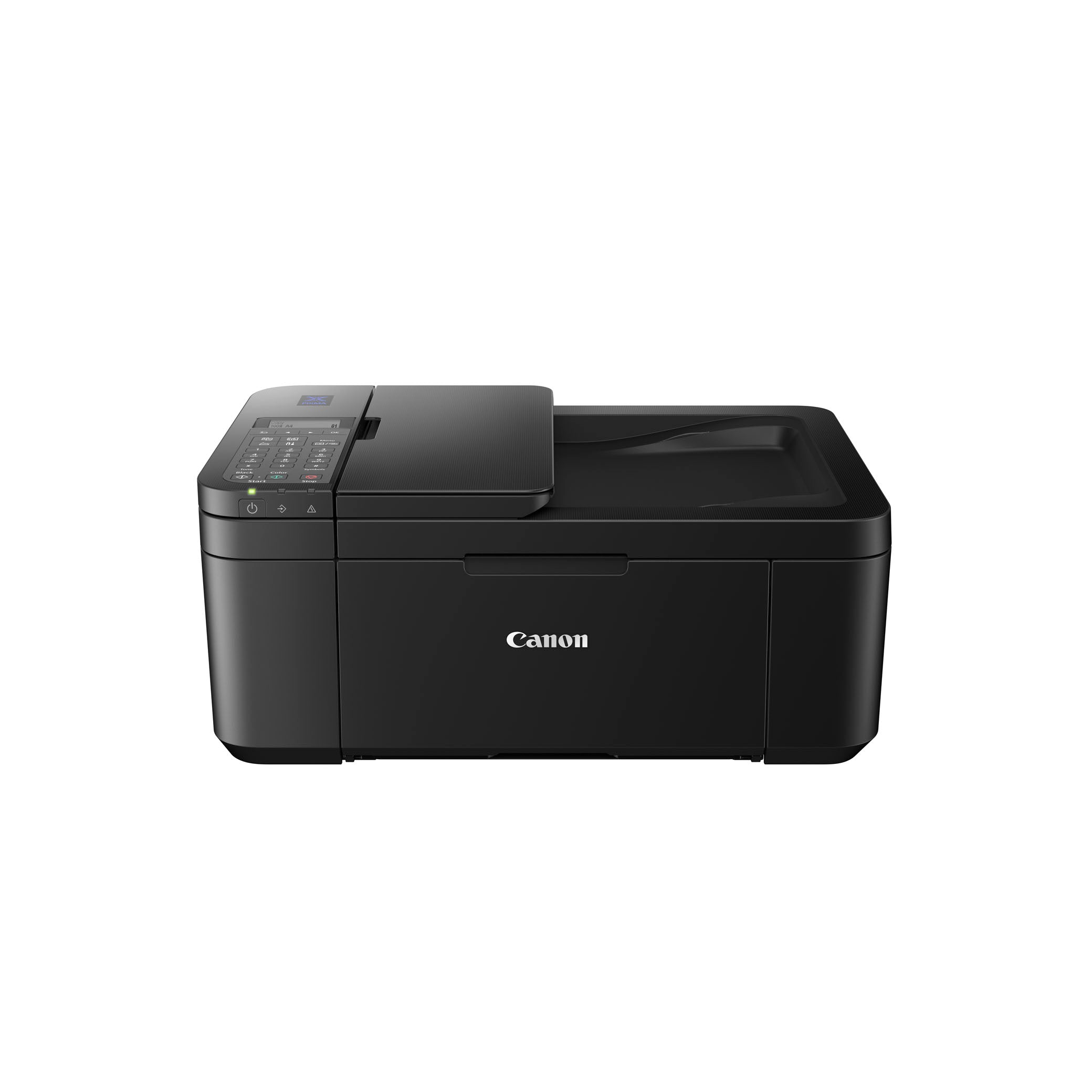
Our PIXMA TS-series printers are suitable for a variety of prints on unique mediums such as glossy photo paper, iron-on transfer, and magnetic photo paper for creative fun printing and photo printing. On the other hand, our PIXMA E-series are suited for low to mid-volume printing, such as printing documents for small home-based businesses and personal home printing.
I am a small business owner that needs to print in large quantities. What would you recommend?
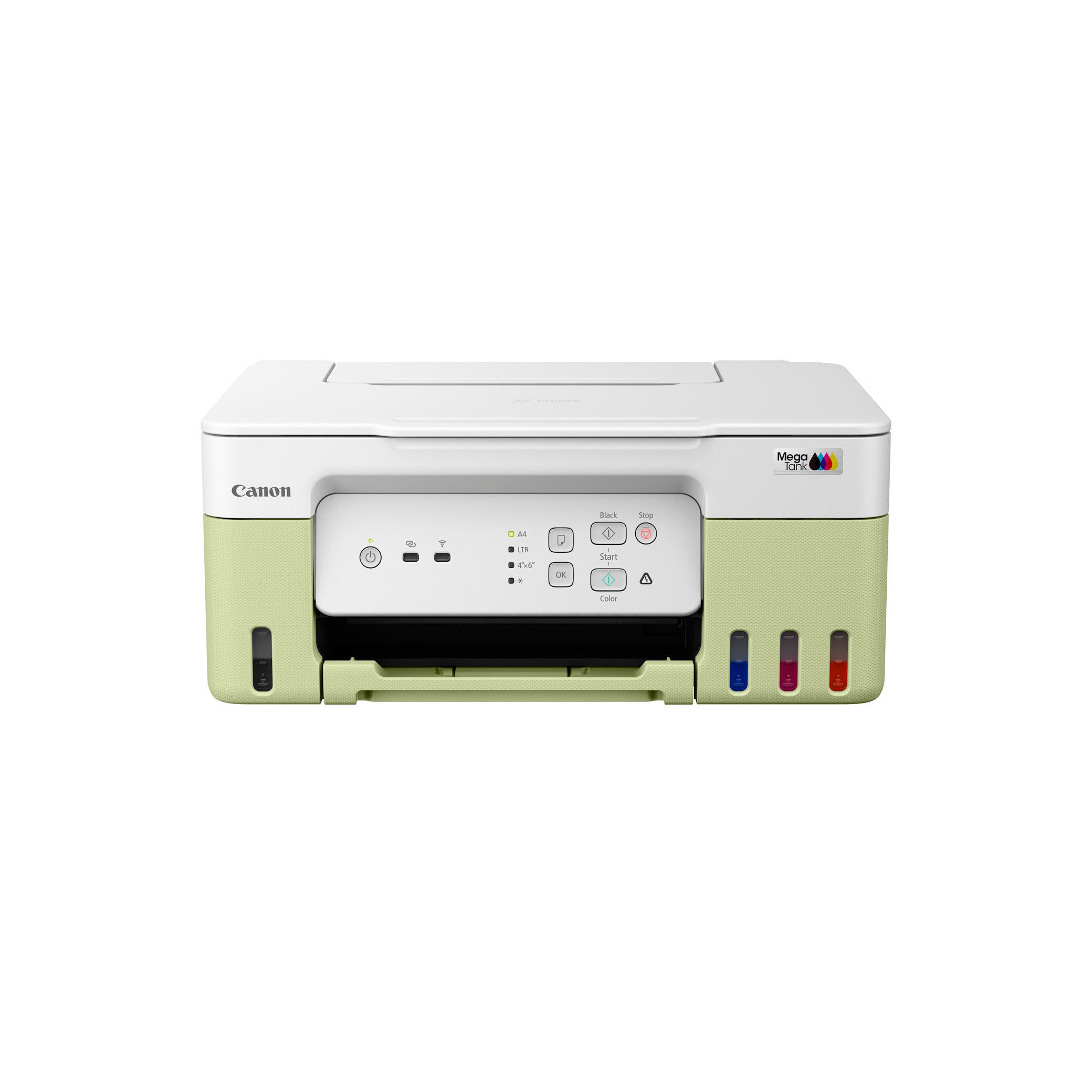
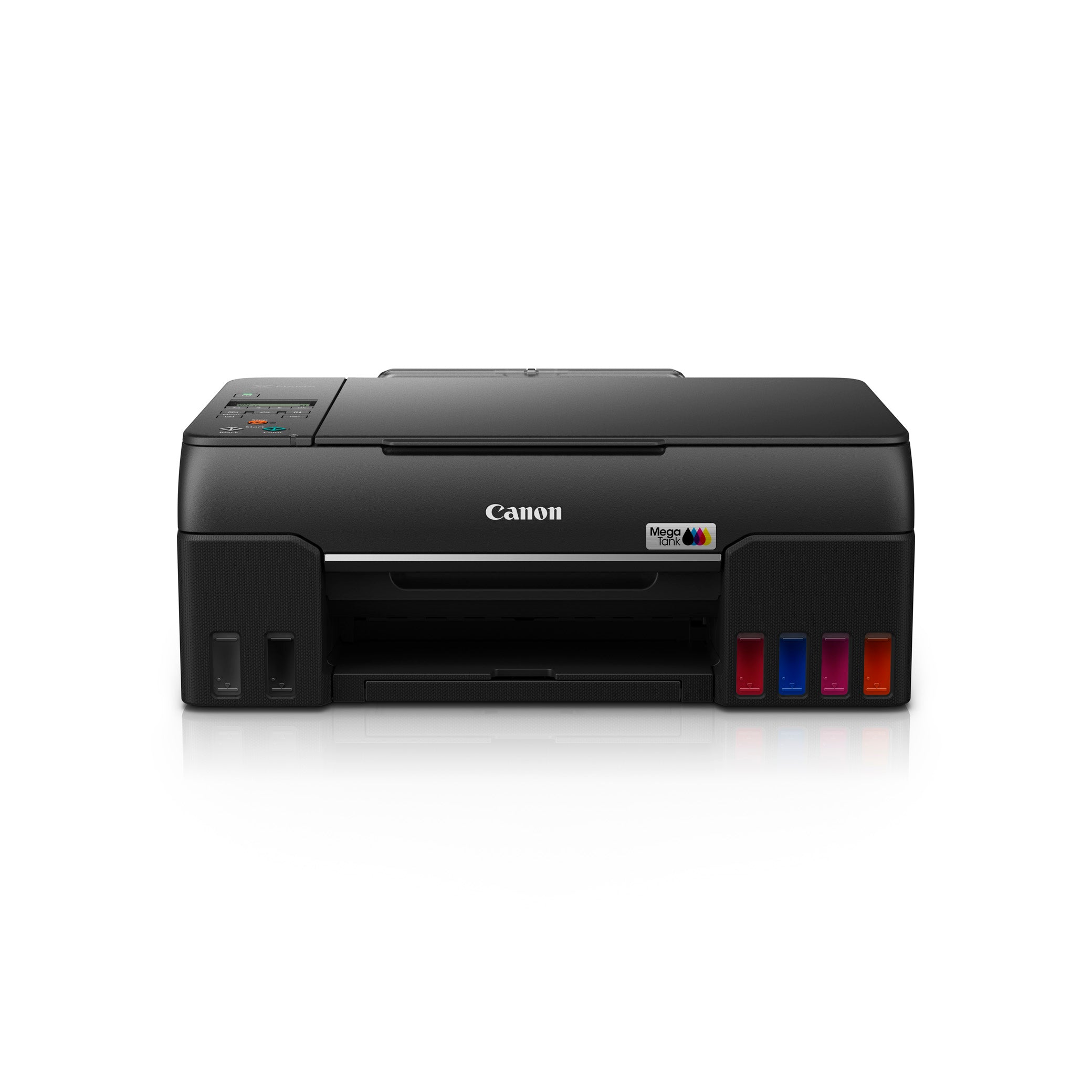
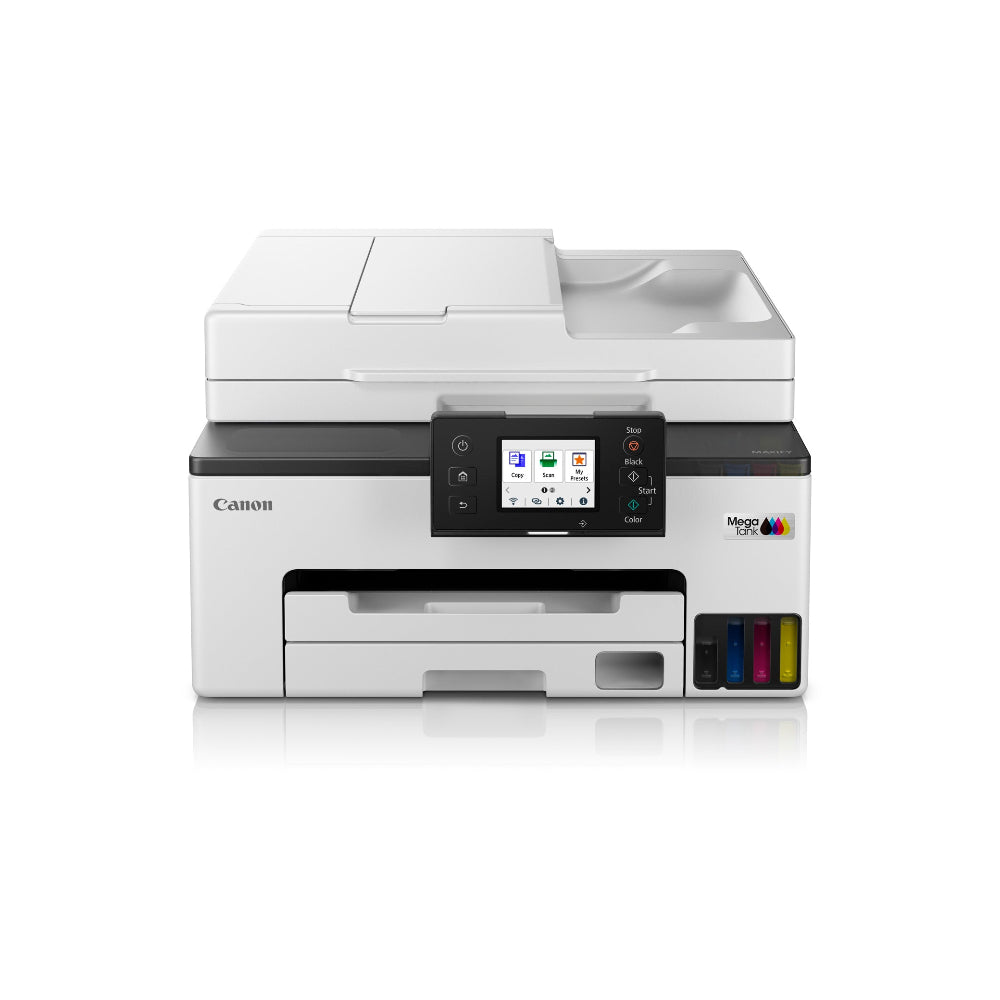
We would recommend getting a printer based on the type and amount of documents you would be printing. The ink-efficient PIXMA G-series is suitable if you are looking for an inkjet printer that prints both colour and black & white documents at a monthly print volume of 1,500 pages at low printing cost. For larger printing volume with professional water-resistant print-outs, the imageCLASS MF-series may be suitable with its multi-functional feature and a recommended print volume of 2,500 pages on average.
Does my printer purchase come with cartridges provided?
Yes, all inkjet and laser printers come bundled with ink and toner cartridges respectively.