


-
 Cashback
-
 Cashback
-
 Cashback
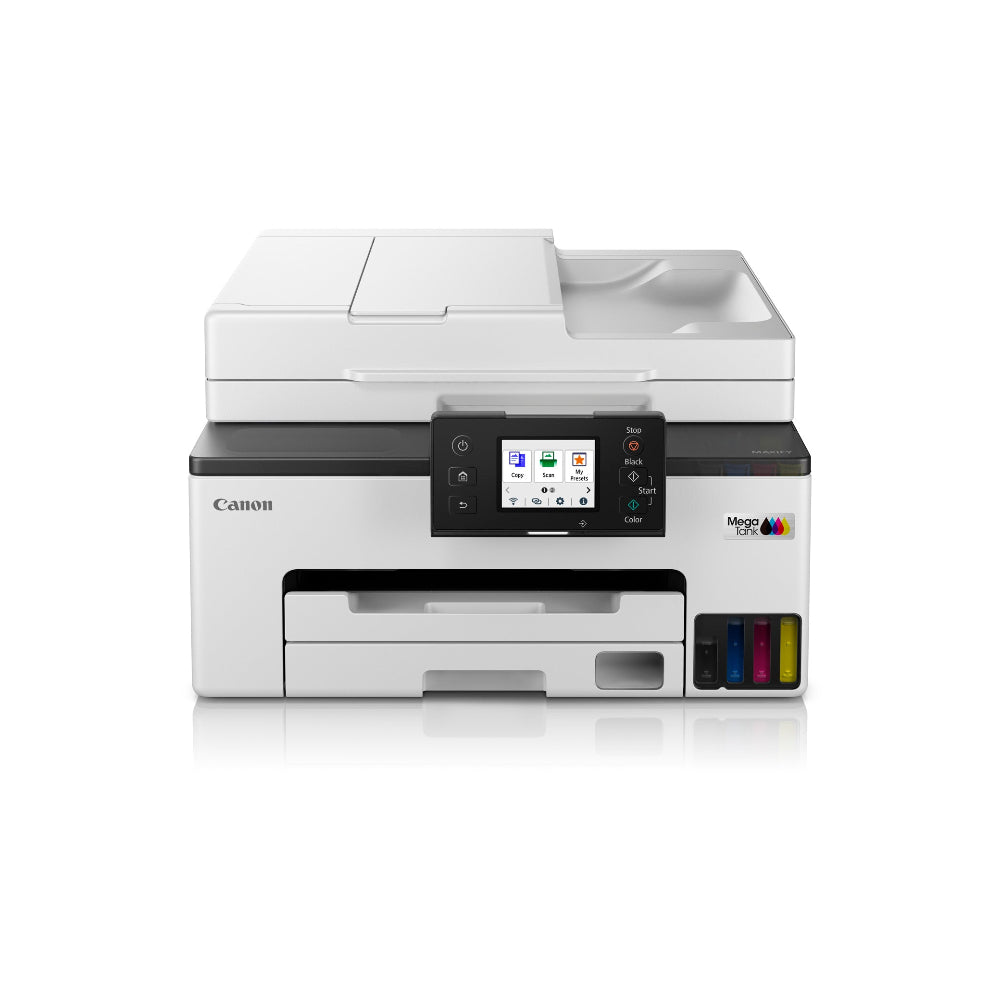
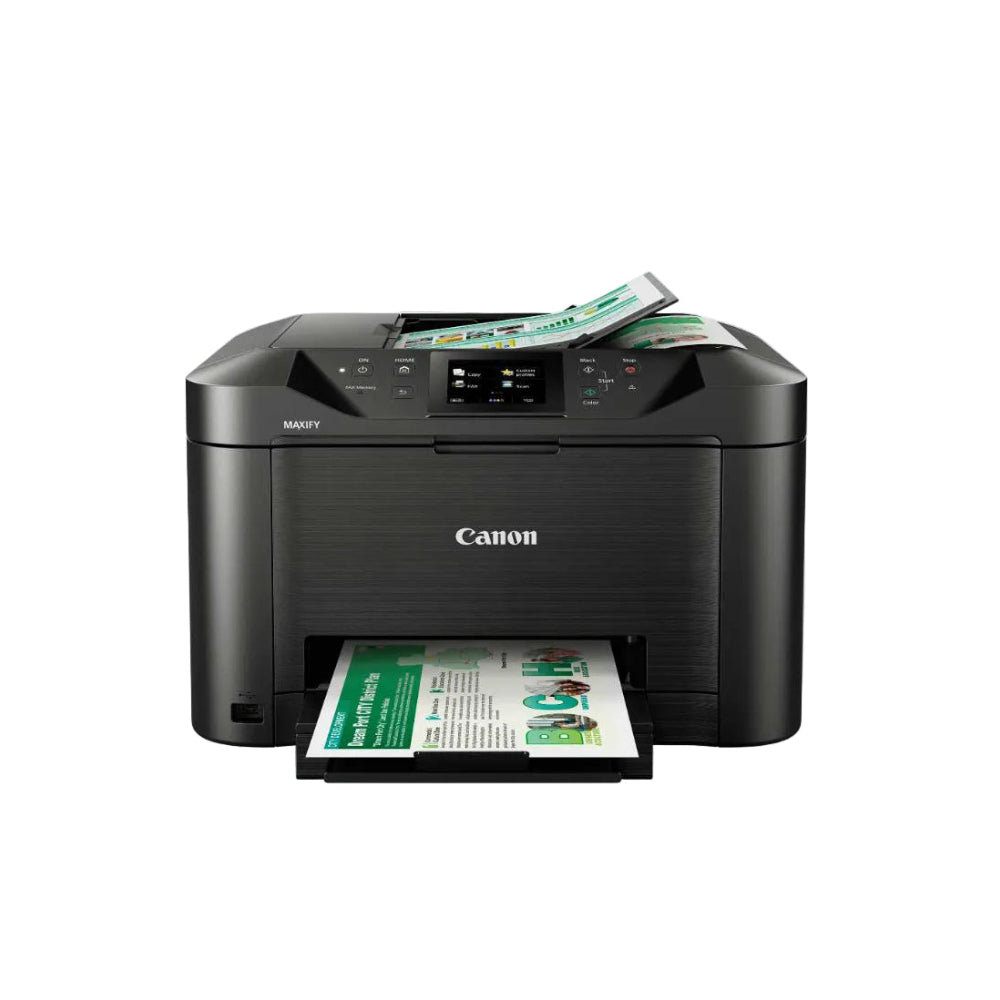
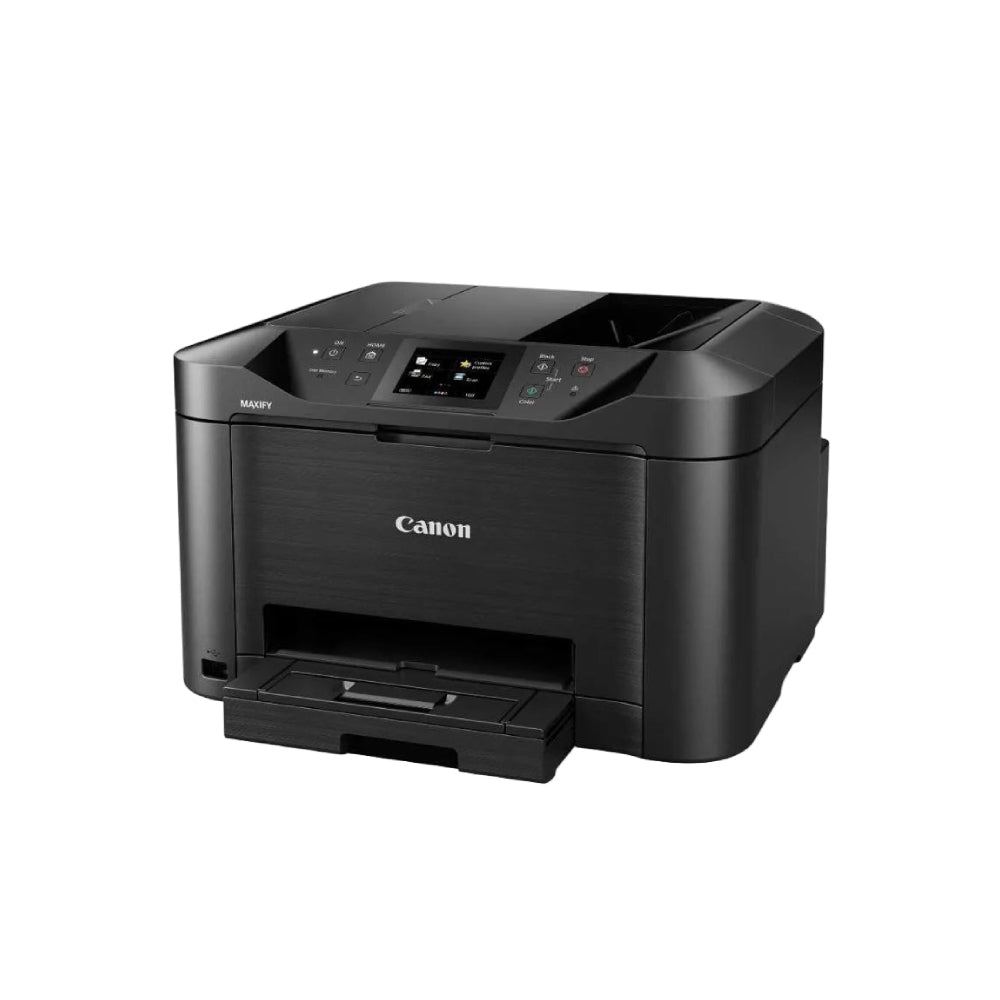
MAXIFY MB5170
Couldn't load pickup availability
High Speed Multi-Function Business Printer
High performance business inkjet printer with support for mobile devices and cloud services and easy network integration.
-
Print, scan, copy, fax, wired / wireless LAN
-
ISO Standard print speed (A4): up to 15.5p
pm (colour) / 24.0ppm (mono)
-
First Print Out Time (FPOT), A4: Approx. 6.0secs. mono / 7.0secs. colour
-
Max. print speed (A4): approx. 32.5ppm mono / 26.5ppm colour
Terms & Conditions:
- For purchases made from 1 Oct – 30 Nov 2026, gift redemption is valid until 16 Dec 2026.
- Self-Collection is currently unavailable on Canon eShop
- For e-Voucher redemption online, please click here
-
 Free delivery with min. spend of $200
-
 Free delivery for consumables with min. spend of $80


-
 3-5 working days
-
 Additional 3 months warranty when you register your product online


- Compatible Inks
-
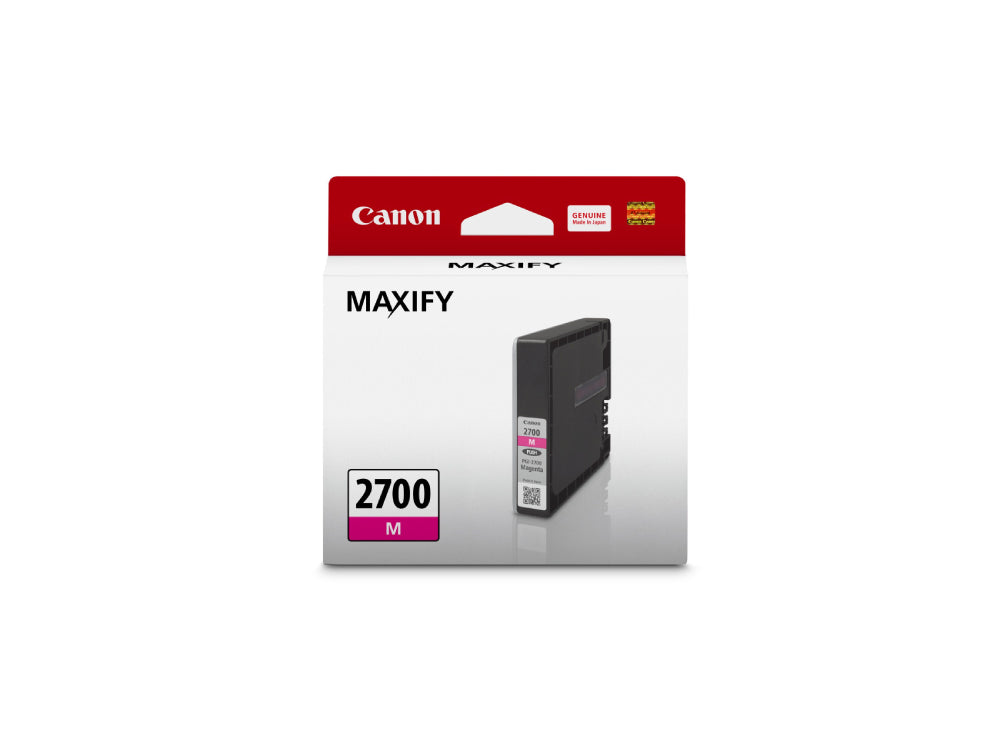
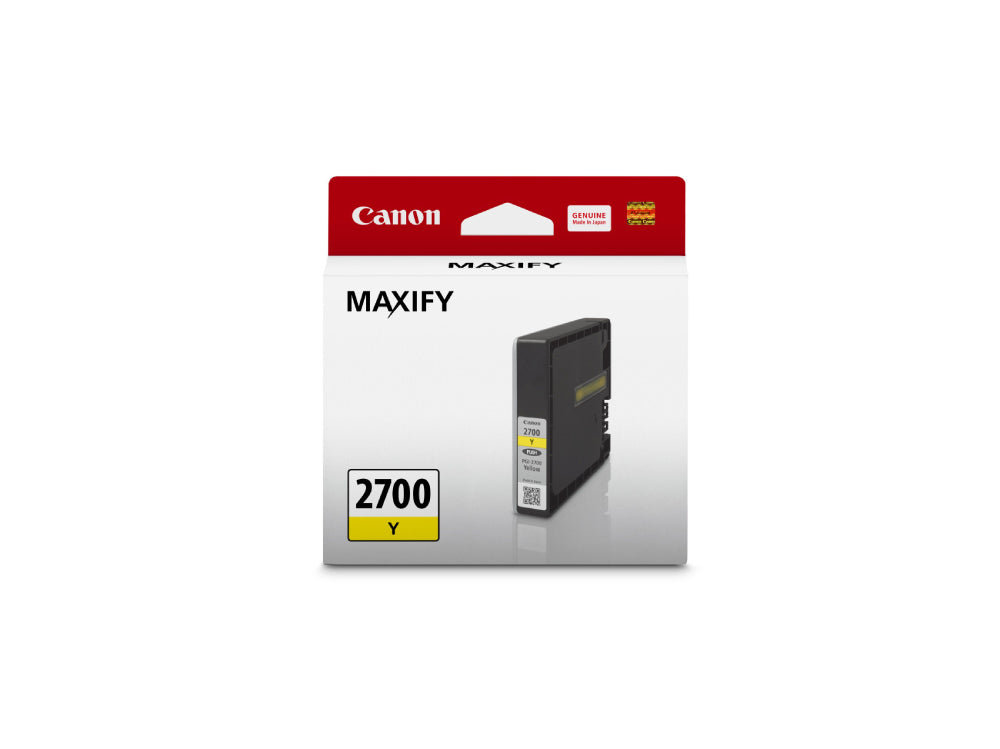
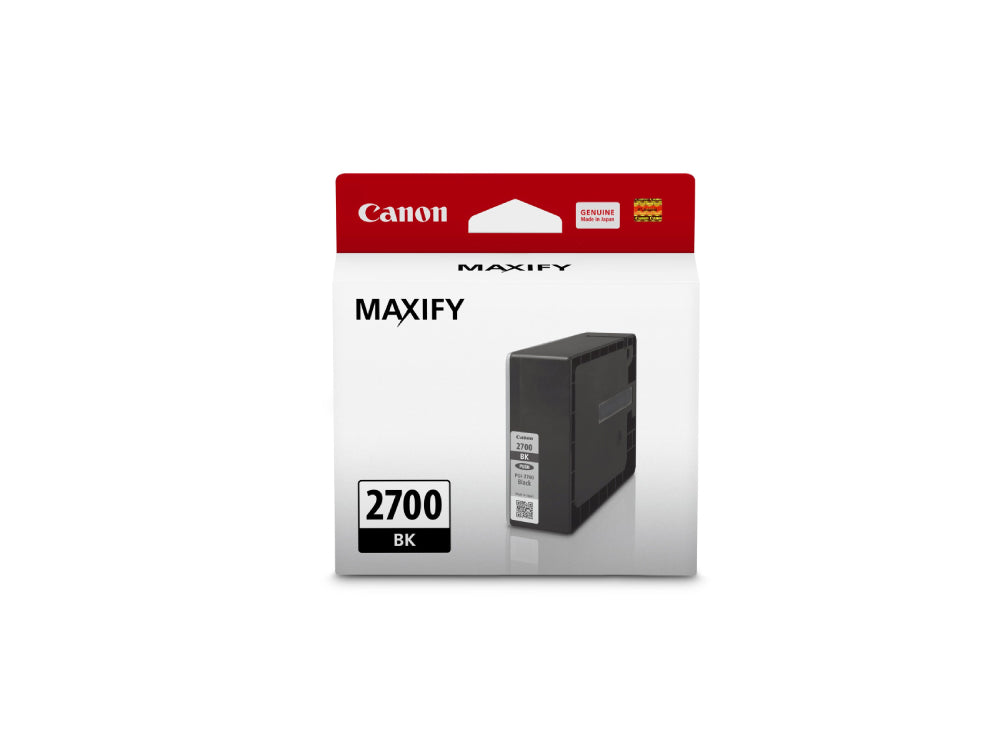
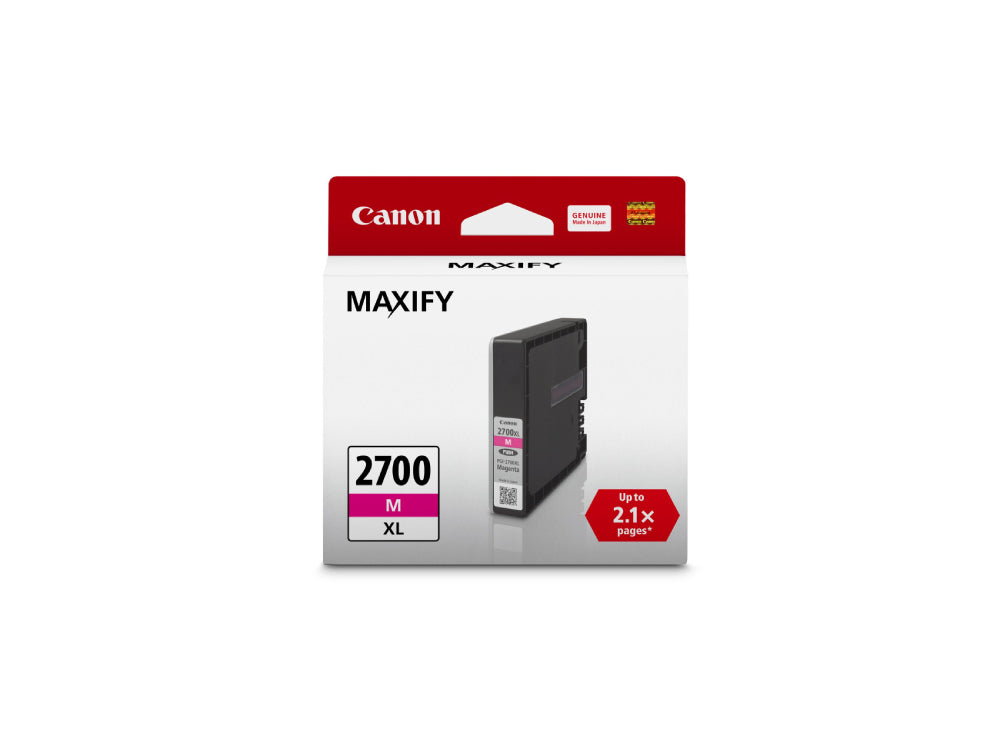
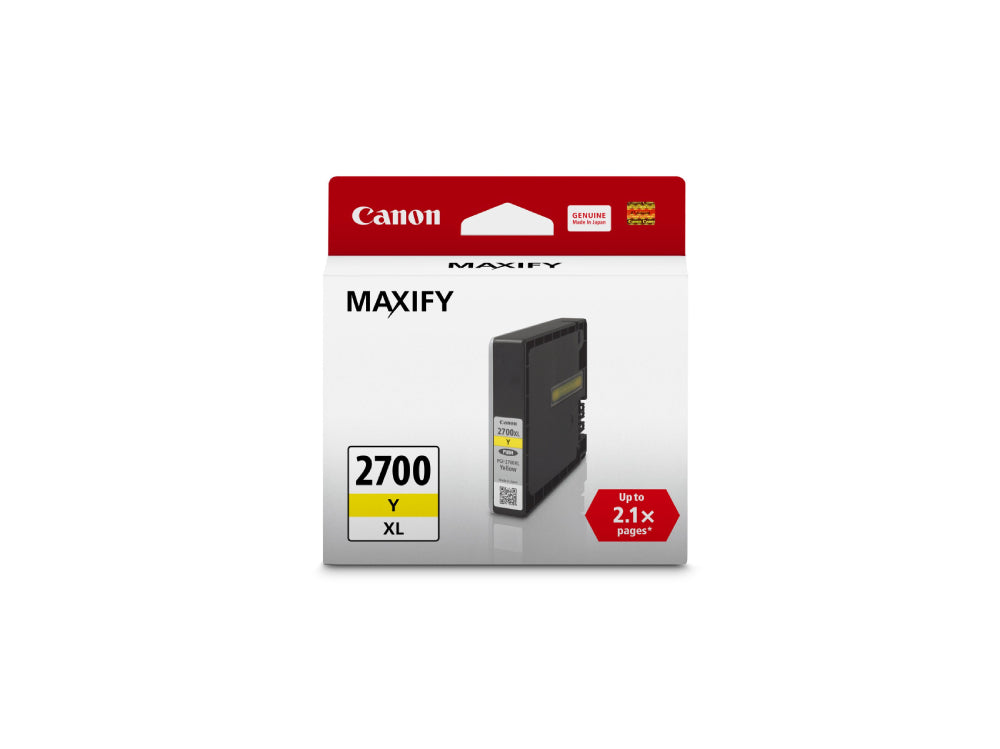
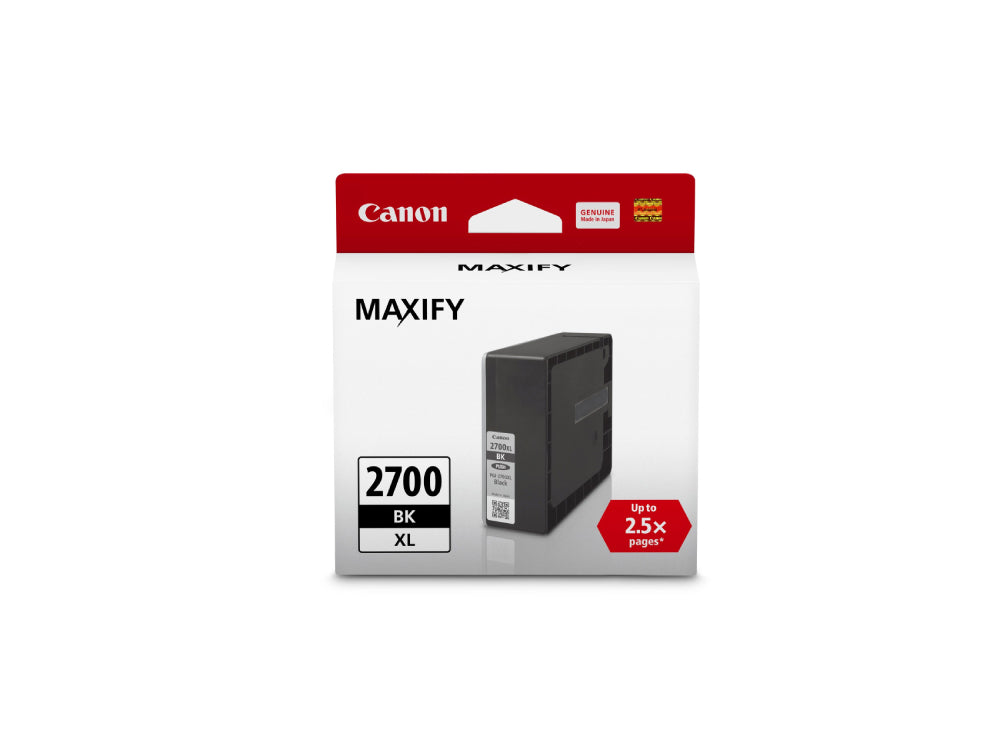
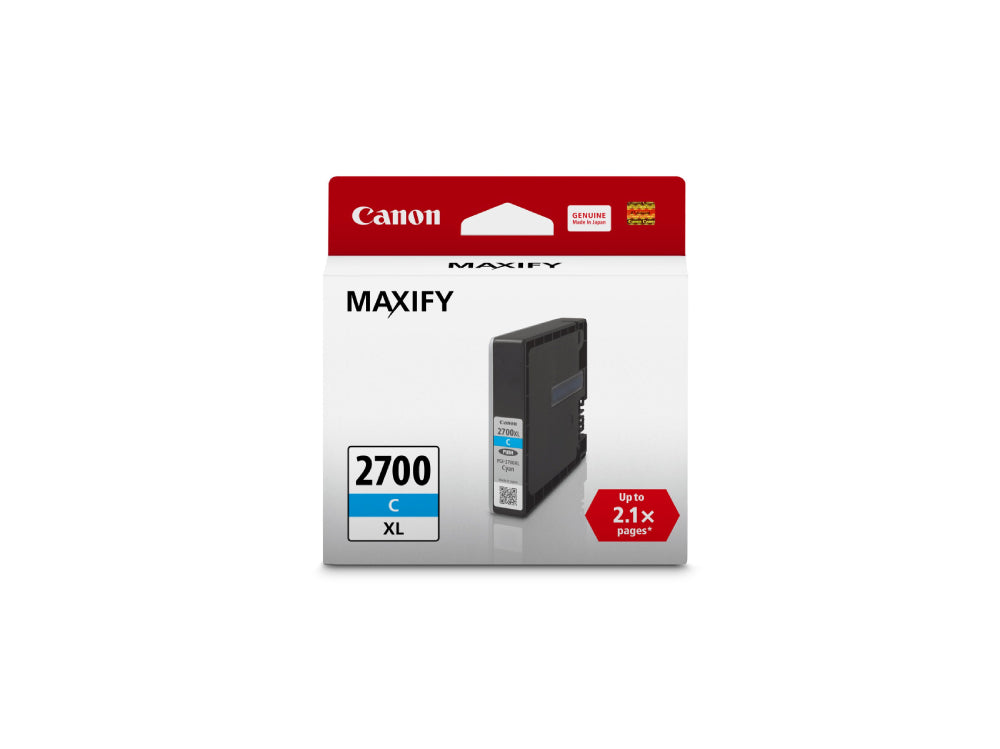
PGI-2700
Regular price From $26.00Sale price From $26.00 Regular priceUnit price per


Overview 2
| Maximum Printing Resolution | 600 (horizontal) x 1200 (vertical) dpi | |
| Print Head / Ink | Type: | Individual Ink Cartridges |
| Number of Nozzles: | Total 4,352 nozzles | |
| Ink Cartridge: | PGI-2700 (Cyan, Magenta, Yellow, Black) Optional: PGI-2700XL (Cyan, Magenta, Yellow, Black) |
|
| Print Speed *1 Based on ISO / IEC 24734. Click here for summary report Click here for Document Print and Copy Speed Measurement Conditions |
Document: Colour: ESAT / Simplex |
Approx. 15.5 ipm |
| Document: Colour: |
Max. 26.5 ppm*2 |
|
| Document: B / W: ESAT / Simplex |
Approx. 24.0 ipm | |
| Document: B / W: |
Max. 32.5 ppm*2 |
|
| Document: Colour: ESAT / Duplex |
Approx. 9.5 ipm | |
| Document: B / W: ESAT / Duplex |
Approx. 13.0 ipm | |
| Document: Colour: FPOT Ready / Simplex |
Approx. 7 sec | |
| Document: B / W: FPOT Ready / Simplex |
Approx. 6 sec | |
| Document: Colour: FPOT Sleep / Simplex |
Approx. 12 sec | |
| Document: B / W: FPOT Sleep / Simplex |
Approx. 10 sec | |
| Printable Width | Up to 203.2 mm (8 inch) | |
| Printable Area | Bordered Printing: | Top margin: 3 mm, Bottom margin: 5 mm, Left / Right margin: each 3.4 mm (Letter, Legal: Left: 6.4 mm, Right: 6.3 mm) |
| Bordered Auto Duplex Printing: | Top margin: 3 mm, Bottom margin: 5 mm, Left / Right margin: each 3.4 mm (Letter, Legal: Left: 6.4 mm, Right: 6.3 mm) | |
| Recommended Printing Area | Top Margin: | 45.8 mm |
| Bottom Margin: | 36.8 mm | |
| Paper Size | A4, A5, B5, Letter, Legal, Oficio, B-Oficio*, M-Oficio, Foolscap, Legal (India), Executive, 4 x 6", 5 x 7", 8 x 10", Envelopes (DL, COM10, C5, Monarch) Custom size [cassette (upper)]: width 89 - 216.0 mm, length 127 - 355.6 mm, [cassette (lower)]: width 210 - 216.0 mm, length 279.4 - 355.6 mm) *Not supported for Mac |
|
| Paper Handling (Cassette1: Upper) (Maximum Number) |
Plain Paper | A4, A5, B5, Letter, Legal = 250 |
| Photo Paper Pro Luster (LU-101) | A4 = 10 | |
| Matte Photo Paper (MP-101) | 4 x 6" = 20, A4 = 10 | |
| Photo Paper Plus Glossy II (PP-201) | 4 x 6" = 20, A4 = 10 | |
| Glossy Photo Paper "Everyday Use" (GP-508) | 4 x 6" = 20, A4 = 10 | |
| High Resolution Paper (HR-101N) | A4 = 65 | |
| Photo Paper Plus Semi-Gloss (SG-201) | 4 x 6" = 20, A4, 8 x 10" = 10 | |
| Envelope | Envelopes (DL, COM10, C5, Monarch) = 10 | |
| Paper Output | Approx. 75 pages (A4, LTR, LGL) | |
| Support Media for Auto 2-sided Printing |
Type: | Plain Paper |
| Size: | A4, Letter | |
| Paper Weight | Cassette1 (Upper): | Plain Paper: 64-105 g/m2, Canon specialty paper: max paper weight: approx. 275 g/m2 (Photo Paper Plus Glossy II PP-201) |
| Ink End Sensor | Electrical pulse detect + Dot count | |
| Print Head Alignment | Auto / Manual | |
| Scan *3 | ||
| Scanner Type | Flatbed & ADF | |
| Scanning Method | CIS (Contact Image Sensor) × 2 (2-sided) | |
| Duplex Scanning | Available (Single pass 2-sided scan) | |
| Optical Resolution *4 | 1200 x 1200 dpi | |
| Selectable Resolution *5 | 25 - 19200 dpi | |
| Scanning Bit Depth (Input / Output) | Grayscale: | 16 bit / 8 bit |
| Colour: | 48 bit / 24 bit (RGB each 16 bit / 8 bit) | |
| Scanning Speed *6 *14 | Document (ADF): Colour scESAT30secA / Simplex |
Approx. 16.0 ipm |
| Document (ADF): B / W scESAT30secA / Simplex |
Approx. 19.0 ipm | |
| Document (ADF): Colour scESAT30secA / Duplex |
Approx. 23.0 ipm | |
| Document (ADF): B / W scESAT30secA / Duplex |
Approx. 23.0 ipm | |
| Document (ADF): Colour scEFTP30secF / Simplex |
Approx. 15.0 ipm | |
| Document (ADF): B / W scEFTP30secF / Simplex |
Approx. 17.5 ipm | |
| Document (ADF): Colour scEFTP30secF / Duplex |
Approx. 21.0 ipm | |
| Document (ADF): B / W scEFTP30secF / Duplex |
Approx. 21.5 ipm | |
| Maximum Document Size | Flatbed | A4, Letter (216 x 297 mm) |
| ADF | A4 / Letter / Legal | |
| Copy | ||
| Maximum Document Size | A4, Letter (216 x 297 mm) ADF: A4 / Letter / Legal |
|
| Compatible Media | Size: | A6, A4, A5, B5, Letter, Legal, Oficio, B-Oficio, M-Oficio, Foolscap, Legal (India), Executive, 4 x 6", 5 x 7" |
| Type: | Plain Paper Photo Paper Plus Glossy II (PP-201) Photo Paper Plus semi-Gloss (SG-201) Glossy Photo Paper "Everyday Use" (GP-508) Matte Photo Paper (MP-101) Photo Paper Pro Luster (LU-101) |
|
| Image Quality | 2 positions (Standard, High) | |
| Density Adjustment | 9 positions, Auto intensity (AE copy) | |
| Copy Speed *9 Based on ISO / IEC 29183. Click here for summary report Click here for Document Print and Copy Speed Measurement Conditions |
Document: Colour: sFCOT / Simplex |
Approx. 11 sec |
| Document (ADF): Colour: ESAT / Simplex |
Approx. 11.5 ipm | |
| Document (ADF): B / W ESAT / Simplex |
Approx. 22.0 ipm | |
| Document (ADF): Colour ESAT / Duplex |
Approx. 6.0 ipm | |
| Document (ADF): B / W ESAT / Duplex |
Approx. 10.0 ipm | |
| Multiple Copy | Black / Colour: | max. 99 pages |
| Fax | ||
| Type | Desktop Transceiver (Super G3 / Color Communication) | |
| Applicable Line | PSTN (Public Switched Telephone Network) | |
| Transmission Speed *8 | Black: | Approx. 3secs. (33.6kbps) |
| Colour: | Approx. 1min. (33.6kbps) | |
| Fax Resolution | Black: | 8pels/mm x 3.85lines/mm (Standard) 8pels/mm x 7.7lines/mm (Fine) 300 x 300dpi (Extra Fine) |
| Colour: | 200 x 200dpi | |
| Print Size | A4, Letter, Legal | |
| Scanning Width | 208 mm (A4), 214 mm (Letter) | |
| Modem Speed | maximum 33.6 kbps (Automatic fall back) | |
| Compression | Black: | MH, MR, MMR |
| Colour: | JPEG | |
| Gradation | Black: | 256 levels |
| Colour: | 24 bit Full color (RGB each 8 bit) | |
| ECM (Error Correction Mode) | ITU-T T.30 compatible | |
| Automatic Dialing | Coded Speed Dialing | max. 100 locations |
| Group Dialing | max. 99 locations | |
| Transmission / Reception Memory *9 | approx. 250 pages | |
| PC Fax | ||
| PC FAX | Windows | Available |
| Mac | Available | |
| Destination Number | 1 location | |
| Black / Colour | B / W transmission only | |
| Network | ||
| Protocol | SNMP (Standard MIB), TCP / IP | |
| Wired LAN | Network Type: | IEEE802.3u (100BASE-TX) / IEEE802.3 (10BASE-T) |
| Data Rate: | 10 M / 100 Mbps (auto switchable) | |
| Wireless | Network Type: | IEEE802.11n / IEEE802.11g / IEEE802.11b |
| Frequency Band: | 2.4 GHz | |
| Channel: | 1 - 13 | |
| Range: | indoor 50 m (depends on the transmission speed and conditions) | |
| Security: | WEP64 / 128 bit, WPA-PSK (TKIP / AES), WPA2-PSK (TKIP / AES) | |
| Direct connection (Wireless LAN) | Available | |
| Printing Solutions | ||
| Apple AirPrint | Available | |
| Layout | 1-up (bordered only) | Letter, A4, 4 x 6", 5 x 7", 8 x 10", A5, B5, Legal, A6, Oficio, M-Oficio, Foolscap Legal (India), Executive, Envelopes (DL, COM10, C5, Monarch) Custom size [cassette (upper)]: width 89 - 216.0 mm, length 127 - 355.6 mm, [cassette (lower)]: width 210 - 216.0 mm, length 279.4 - 355.6 mm) |
| Print Quality*12 | Standard / High | |
| Microsoft Mobile Print | Available | |
| Layout | 1-up (bordered only) | Letter, A4, 4 x 6", 5 x 7", 8 x 10", A5, B5, Legal, Envelopes (DL, COM10) |
| Print Quality*13 | Standard / High | |
| Mopria | Available | |
| Google Cloud Print | Available | |
| Canon Print Service Plugin (for Android OS) |
Available | |
| PIXMA / MAXIFY Cloud Link | from smartphone or tablet: | Available |
| from printer: | Available | |
| Canon PRINT Inkjet / SELPHY (for iOS / for Android) Canon Easy-PhotoPrint (for Windows RT) |
Available | |
| Layout | 1-up (bordered only) | Letter, A4, 4 x 6", 5 x 7", 8 x 10", A5, B5, Legal, A6, Oficio, B-Oficio, M-Oficio, Foolscap, Legal (India), Executive |
| Print Quality | Fixed | |
| System Requirements (Please visit www.canon-asia.com to check OS compatibility and to download the latest driver updates.) |
Windows: |
Windows 10, Windows 8, Windows 7 SP1, Windows Vista SP2 |
| Macintosh: | Mac OS X 10.8.5 and later | |
| General Specifications | ||
| Operation Panel | Display: | LCD (3.5 inch / 8.8 cm TFT Color/ Touch) |
| Language: | 33 Languages Selectable: Japanese / English (mm & inch) / German / French / Italian / Spanish / Dutch / Portuguese / Norwegian / Swedish / Danish / Finnish / Russian / Czech / Hungarian / Polish / Slovene / Turkish / Greek / Simplified Chinese / Traditional Chinese / Korean / Indonesian / Slovak / Estonian / Latvian / Lithuanian / Ukrainian / Romanian / Bulgarian / Croatian / Thai / Vietnamese | |
| ADF | Paper Handling (Plain Paper 17 lb. Bond) | A4 / Letter = 50, Legal = 10, Others = 1 |
| Auto 2-sided | Available (Single pass 2-sided scan) | |
| Interface | USB A Port | USB flash memory |
| USB B Port |
USB 2.0 High Speed |
|
| USB Flash Memory | File Format *15 | JPEG and TIFF (Exif-compliant) taken by DCF (Ver.1.0 / 2.0) compliant digital cameras. (Exif ver2.2 / 2.21 / 2.3 compliant) |
| Operating Environment *12 | Temperature: 5 - 35°C Humidity: 10 - 90% RH (no dew condensation) |
|
| Recommended Environment *13 | Temperature: 15 - 30°C Humidity: 10 - 80% RH (no dew condensation) |
|
| Storage Environment | Temperature: 0 - 40°C Humidity: 5 - 95% RH (no dew condensation) |
|
| Quiet mode | Available | |
| Acoustic Noise (PC Print) | Document (A4, B / W, Default)*10 | Approx. 56 dB(A) |
| Power | AC 100 - 240 V, 50/60Hz | |
| Power Consumption | Standby (scanning lamp is off) USB connection to PC |
Approx. 0.9 W |
| OFF | Approx. 0.2 W | |
| Copying*11 (USB connection to PC): | Approx. 25 W | |
| Environment | Regulation: | RoHS (EU, China), WEEE (EU) |
| Duty Cycle | up to 30,000 pages/month | |
| Dimension (W x D x H) | Factory configuration | Approx. 463 x 394 x 291 mm |
| Paper installed (A4 / LTR) | Approx. 463 x 459 x 291 mm | |
| Output / ADF trays extended | Approx. 463 x 607 x 329 mm | |
| Weight | Approx. 11.4 kg | |
| Specifications are subject to change without notice. | |
| *1 | Document print speeds are the averages of ESAT in Office Category Test for the default simplex mode, ISO / IEC 24734. Document print speeds are the averages of FPOT in Office Category Test for the default simplex mode, ISO / IEC17629:2014 Print speed may vary depending on system configuration, interface, software, document complexity, print mode, page coverage, type of paper used etc. During successive printing, the printer may slow down the operation to prevent the internal temperature from rising. |
| *2 | PPM print speed is based on the highest speed settings using Canon standard patterns on A4 plain paper. |
| *3 | TWAIN driver (ScanGear) is based on the TWAIN specification V1.9 and requires the Data Source Manager comes with the operating system. |
| *4 | Optical resolution is a measure of maximum hardware sampling resolution, based on ISO 14473 standard. |
| *5 | Increasing the scanning resolution will limit the maximum possible scanning area. |
| *6 | ADF scan speeds are the average of scESAT30secA in "ADF Productivitiy Measurement" test, ISO / IEC 17991:2015. Scan to network folder speeds with ADF are the average of scEFTP30secF in "Scan to Network Folder Productivity Measurement" test, ISO / IEC 17991:2015. ADF scan speeds/Scan to network folder speeds with ADF will vary depending on system configuration, interface, software, document complexity etc. |
| *7 | Copy speeds are the average of sFCOT and sESAT, ISO / IEC 29183. Copy speed may vary depending on document complexity, copy mode, page coverage, type of paper used etc. and does not take into account warming up time. |
| *8 | Black & white document fax transmission speed is based on default setting using ITU-T No.1 chart. Color document fax transmission speed is based on default setting using Canon Color Fax Test Sheet. Actual transmission speed may vary depending on document complexity, fax settings at receiving end, and line conditions etc. |
| *9 | Page count is based on ITU-T No.1 chart or Canon FAX Standard Chart No.1. The number of pages able to be kept in memory will vary based on remaining memory capacity and document complexity |
| *10 | Acoustic Noise is measured based on ISO7779 standard. |
| *11 | Copy: When copying ISO / JIS-SCID N2 (printed by inkjet printer) on A4 size plain paper using default settings. Print: When printing ISO / JIS-SCID N2 (printed by inkjet printer) on A4 size plain paper using default settings. Specifications are subject to change without notice. |
| *12 | The performance of the printer may be reduced under certain temperature and humidity conditions. |
| *13 | For the temperature and humidity conditions of papers such as photo paper, refer to the paper's packaging or the supplied instructions. |
| *14 | When scanning or copying a certain volume of documents (approx. 150 sheets in default settings) continuously from the ADF, the printer may switch to "waiting mode" in which paper feeding stops for several tens of seconds after each scan to prohibit overheating the ADF. |
| *15 | If your USB flash drive cannot be inserted into the USB flash drive port of the machine, it may be required to use an extension cable for USB flash drive. Proper operation may not be guaranteed in some USB flash drives that may have recognition problem. You may not be able to use the USB flash drives that have security setting on. |
Features
|
Print Head/Consumables |
|
|
Number of Nozzles |
Total 4,352 nozzles |
|
Ink Cartridges (Type/Colours) |
PGI-2700 (Pigment Ink/Black, Cyan, Magenta, Yellow) |
|
Maximum Print Resolution |
600 (Horizontal) x 1,200 (Vertical) dpi |
|
Print Speed *1 (Approx.) Click here for summary report |
|
|
Document (ESAT/Simplex) |
24 / 15.5 ipm (Mono/Colour) |
|
Document (Max.) |
32.5 / 26.5 ppm *2 (Mono/Colour) |
|
Document (ESAT/Duplex) |
13 / 9.5 ipm (Mono/Colour) |
|
Document (FPOT Ready/Simplex) |
6 / 7 sec (Mono/Colour) |
|
Document (FPOT Sleep/Simplex) |
10 / 12 sec (Mono/Colour) |
|
Print Width |
Up to 203.2 mm (8") |
|
Recommended Printing Area |
Top margin: 45.8 mm |
Scan *3
|
Scanner Type |
Flatbed (ADF/Platen) |
|
Scanner Technology |
Contact Image Sensor (CIS) x2 (2-Sided) |
|
Optical Resolution *4 |
1,200 x 1,200 dpi |
|
Scanning Bit Depth (Input/Output) |
|
|
Greyscale |
16 bit / 8 bit |
|
Colour |
48 bit / 24 bit (RGB each 16 bit / 8 bit) |
|
Scanning Speed *5*6 (Approx.) |
|
|
Document (ADF) (scESAT30secA/Simplex) |
19 / 16 ipm (Mono/Colour) |
|
Document (ADF) (scESAT30secA/Duplex) |
23 ipm (Mono/Colour) |
|
Document (ADF) (scEFTP30secF/Simplex) |
17.5 / 15 ipm (Mono/Colour) |
|
Document (ADF) (scEFTP30secF/Duplex) |
21.5 / 21 ipm (Mono/Colour) |
|
Maximum Document Size |
|
|
Flatbed |
A4, LTR (216 x 297 mm) |
|
ADF |
A4, LTR, LGL |
Copy
|
Copy Speed *7 (Approx.) Click here for summary report |
|
|
Document (sFCOT/Simplex) |
11 sec (Colour) |
|
Document (ADF) (ESAT/Simplex) |
22 / 11.5 ipm (Mono/Colour) |
|
Document (ADF) (ESAT/Duplex) |
10 / 6 ipm (Mono/Colour) |
|
Maximum Copies |
99 pages |
|
Maximum Document Size |
|
|
Flatbed |
A4, LTR |
|
ADF |
A4, LTR, LGL |
|
Reduction/Enlargement |
25 - 400% |
|
Copy Features |
Two-sided, Collate, 2-on-1, 4-on-1, Frame Erase, ID Copy |
Fax
|
Type |
Desktop Transceiver |
|
Transmission Speed *8 |
|
|
Mono |
3 sec |
|
Colour |
1 min |
|
Modem Speed |
Max. 33.6 kbps (Automatic fall back) |
|
Compression |
|
|
Mono |
MH, MR, MMR |
|
Colour |
JPEG |
|
Gradation |
|
|
Mono |
256 levels |
|
Colour |
24-bit Full Colour (RGB each 8-bit) |
|
ECM (Error Correction Mode) |
ITU-T T.30 compatible |
|
Automatic Dialling |
|
|
Coded Speed Dialing |
Max. 100 locations |
|
Group Dialling |
Max. 99 locations |
|
Transmission/Reception Memory *9 |
Approx. 250 pages |
PC Fax
|
Type |
Windows, macOS |
|
Mono/Colour |
B/W Transmission only |
Paper Handling
|
Print Margin |
|
|
Bordered Printing |
LTR, LGL: |
|
Bordered Auto Duplex Printing |
LTR, LGL: |
|
Supported Media |
|
|
Cassette |
Plain Paper (64 - 105 g/m²) |
|
Auto 2-Sided Printing |
A4, LTR |
|
Paper Size |
|
|
Cassette |
A4, A5, B5, LTR, LGL, B-Oficio *10, M-Oficio, Foolscap, LGL (India) Executive, Envelope (COM10, DL, C5, Monarch), 4 x 6", 5 x 7", 7 x 10", 8 x 10" |
|
Auto 2-Sided Printing |
A4, LTR |
|
Maximum Capacity |
|
|
Cassette |
Plain Paper, 64 g/m² (A4, A5, B5, LTR, LGL): 250 |
|
Auto Document Feeder |
Plain Paper (A4, LTR): 50 |
|
Paper Weight |
|
|
Cassette |
Plain Paper: 64 - 105 g/m² |
Network
|
Protocol |
SNMP (Standard MIB), TCP/IP |
|
Wired LAN |
|
|
Type |
IEEE802.3u (100BASE-TX) / IEEE802.3 (10BASE-T) |
|
Wireless LAN |
|
|
Type |
IEEE802.11b/g/n |
|
Security |
WEP 64/128 bit |
|
Direct Connection (Wireless LAN) |
Available |
Printing Solutions
|
Canon Printing Apps |
|
|
Mobile |
Canon PRINT, Easy-PhotoPrint Editor |
|
Others |
Easy-Layout Editor, PosterArtist Lite, PosterArtist (Web) |
|
Mobile/Cloud Printing Solutions |
AirPrint ®, Mopria ® Print Service, Canon Print Service (Android), Cloud Integration Service |
System Requirements
|
OS System Compatibility *12 |
Windows 10 / 8 / 7 SP1 / Windows Vista SP2, |
General Specifications
|
Operation Panel |
|
|
Display |
3.5" LCD (Touchscreen, Colour) |
|
Interface |
USB 2.0, USB Flash Memory |
|
Operating Environment *13 |
|
|
Temperature |
5 - 35°C |
|
Humidity |
10 - 90% RH (no dew condensation) |
|
Recommended Environment *14 |
|
|
Temperature |
15 - 30°C |
|
Humidity |
10 - 80% RH (no dew condensation) |
|
Storage Environment |
|
|
Temperature |
0 - 40°C |
|
Humidity |
5 - 95% RH (no dew condensation) |
|
Quiet Mode |
Available |
|
Acoustic Noise *15 |
|
|
Plain Paper (A4, Mono) |
56 dB(A) |
|
Power Requirements |
AC 100 - 240 V, 50/60 Hz |
|
Power Consumption (Approx.) |
|
|
OFF |
0.2 W |
|
Standby |
0.9 W |
|
Operation *16 |
25 W |
|
Duty Cycle |
Up to 30,000 pages/month |
|
Dimensions (W x D x H) |
|
|
Factory Configuration |
463 x 394 x 291 mm |
|
Paper Installed (A4/LTR) |
463 x 459 x 291 mm |
|
Output/ADF Trays Extended |
463 x 607 x 329 mm |
|
Weight |
11.4 kg |
Page Yield *17
|
Plain Paper
|
A4 Colour Documents *18:
|
Note
- Document print speeds are the average of ESAT (Word, Excel, PDF) in Office Category Test for the default simplex mode, ISO/IEC 24734.
Document print speeds are the averages of FPOT in Office Category Test for the default simplex mode, ISO/IEC 17629:2014.
Print speed may vary depending on system configuration, interface, software, document complexity, print mode, page coverage, type of paper used etc.
During successive printing, the printer may slow down the operation to prevent the internal temperature from rising. - PPM print speed is based on the highest speed settings using Canon standard patterns on A4 plain paper.
- TWAIN driver (ScanGear) is based on the TWAIN specification V1.9 and requires the Data Source Manager comes with the operating system.
- Optical resolution scan is available, only when you use TWAIN Driver.
Optical resolution is a measure of maximum hardware sampling resolution, based on ISO 14473 standard. - ADF scan speeds are the average of scESAT30secA in ""ADF Productivity Measurement"" test, ISO/IEC 17991:2015.
Scan to network folder speeds with ADF are the average of scEFTP30secF in ""Scan to Network Folder Productivity Measurement"" test, ISO/IEC 17991:2015.
ADF scan speeds/Scan to network folder speeds with ADF will vary depending on system configuration, interface, software, document complexity etc. - When scanning or copying a certain volume of documents (approx. 150 sheets in default settings) continuously from the ADF, the printer may switch to ""waiting mode"" in which paper feeding stops for several tens of seconds after each scan to prohibit overheating the ADF.
- Copy speeds are the average of sFCOT and sESAT, ISO/IEC 29183.
Copy speeds (ADF) are ESAT of copy in sequence, ISO/IEC 24735.
Copy speed may vary depending on document complexity, copy mode, page coverage, type of paper used etc. and does not take into account warm-up time. - Black & white document fax transmission speed is based on default setting using ITU-T No.1 chart.
Colour document fax transmission speed is based on default setting using Canon Colour Fax Test Sheet.
Actual transmission speed may vary depending on document complexity, fax settings at receiving end, and line conditions etc. - Page count is based on ITU-T No.1 chart or Canon FAX Standard Chart No.1.
- Not supported for Mac.
- F4 is possible via custom size settings.
- Please visit https://asia.canon/support to check OS compatibility and to download the latest driver updates.
- The performance of the printer may be reduced under certain temperature and humidity conditions.
- For the temperature and humidity conditions of papers such as photo paper, refer to the paper's packaging or the supplied instructions.
- Acoustic Noise is measured based on ISO 7779 standard with default settings.
- When copying ISO/JIS-SCID N2 (printed by inkjet printer) on A4 size plain paper using default settings.
- Page yields may vary depending on content coverage, print settings, temperature, humidity, and frequency of printing.
- Declared yield value is in accordance with ISO/IEC 24711, using the ISO/IEC 24712 colour chart. Values obtained by continuous printing.
Disclaimer
- To maintain optimal printer performance, Canon printer automatically perform cleaning based on its condition. During this cleaning process, a small amount of ink is consumed, which may include all colours of ink.
[Cleaning Function]
The cleaning function helps remove air bubbles or clogs from the print head nozzles, preventing degradation in print quality or nozzle blockages. - Replacement parts for printers will be available for five years after production is discontinued. Depending on your model, we may recommend replacing it with a new unit or one that offers similar performance as part of our maintenance service. In such cases, you may find that supplies or accessories for your model are no longer available, or that compatible operating systems may change.
- To achieve optimal print quality, use the ink within six months of opening.
- Depending on your device, whether it is a computer or a smartphone and its operating system, the estimated ink level information displayed on your screen may differ from what appears on the printer's operation panel. Additionally, some parts of the estimated ink level message shown on the printer may not be visible or may appear at different times. Canon recommends using the information displayed on the printer's operation panel as your primary reference, noting that this information serves only as a guideline.
- Depending on the type of paper and print settings, colour ink may still be used even when you print a monochrome document. If any colour of ink runs out, you will need to replace the ink cartridge.
- You must install ink cartridges of all colours, regardless of whether you are printing in monochrome or colour. If any ink cartridges is not installed, an error will occur, and printing will not be possible.
- When you use the Canon printer for the first time after installing the bundled ink cartridges, the printer consumes a small amount of ink to fill the nozzles of the print head. As a result, the number of sheets you can be printed with the initial set of ink cartridges is fewer than the subsequent cartridges.
- The printing costs mentioned in the brochures or on the website are based on consumption data from the second and subsequent ink cartridges, not the first one.
- For warranty details, please contact a Canon authorised sales representative in your country or region.
- Please be aware that if a problem arises from using non-genuine ink cartridges (including those refilled with non-genuine ink through methods such as making a hole in the cartridge), a fee will be charged for repairs, even during the warranty period. Keep this in mind when using non-genuine ink.
- Using non-genuine inks may affect the printer's performance and print quality. In rare cases, where there are no safety concerns, non-genuine inks can cause the print head to overheat and emit smoke due to the absence of certain ingredient found in genuine ink.
[Note: This does not apply to usage of all non-genuine inks.] - Information on Received Faxes:
By default, received faxes are printed immediately upon receipt. Additionally, faxes are automatically stored in the printer’s memory. However, there is a limit to the number of faxes or subjects that the printer can store. When the memory reaches its capacity, the most recently stored faxes will overwrite the earliest ones.
As long as paper is loaded, the printer will continue to print even if ink levels are low. However, if ink is insufficient, printed faxes may appear unclear due to ink blurring. If the memory is full, older faxes will be deleted first, which may prevent you from accessing them either in printed form or from the printer’s memory.
Therefore, if you plan to use the fax feature, ensure that there is sufficient ink beforehand. We also recommend refilling the ink cartridge early to avoid running out of ink during fax printing. Check the remaining ink levels in the ink cartridge and review printed pages immediately after receiving faxes. If any faxes remain in memory, you can reprint them after changing the ink cartridge.
If you select [Do not print] for [Received documents] under [Auto print settings] in the FAX settings on the printer’s operation panel, received faxes will not be printed immediately. Instead, they will be stored in memory, allowing you to select and print them later. With this setting, if the printer’s memory reaches its limit, it will not receive any new faxes and stored faxes will not be overwritten automatically. - A printer with fax functionality stores the following fax data in its memory:
• Faxes that were not printed due to conditions such as running out of ink.
• Faxes in the send queue.
If you disconnect the power cord, the date and time settings will reset, and any faxes stored in the printer's memory will be deleted. Before disconnecting the power cord, please ensure that any faxes you wish to keep have already been printed or sent.